
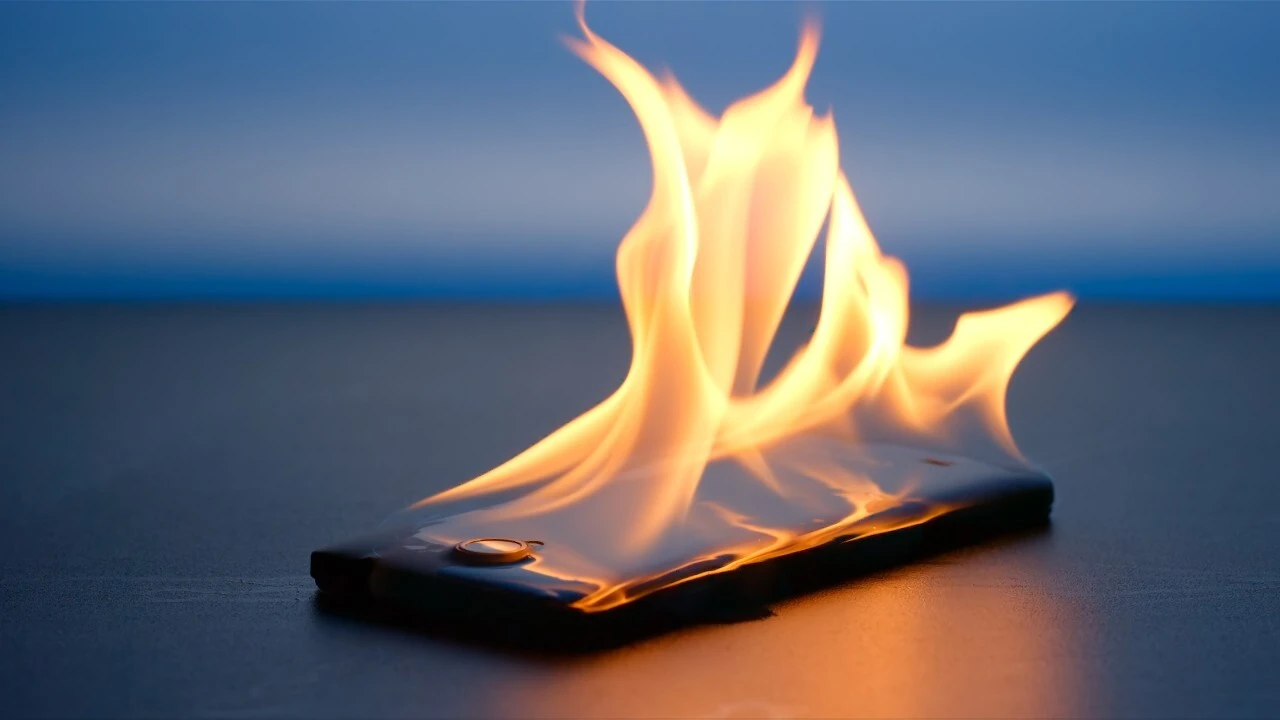
Smartphones have become essential tools for communication, work, entertainment, and daily tasks. Because they handle so many functions, it is normal for them to generate some heat during use. However, when a device becomes unusually hot, many users begin to worry about potential damage, battery problems, or reduced performance.
If you’ve ever asked yourself, Why Does My Phone Heat Up So Much, you’re not alone. Phone overheating is one of the most common issues smartphone users experience. While occasional warmth is usually harmless, excessive heat may indicate software problems, heavy usage, environmental factors, or hardware-related concerns.
Understanding the reasons behind phone overheating can help you identify the source of the problem and take the right steps to prevent long-term damage. In many cases, simple adjustments can significantly improve your device’s temperature and overall performance.
This guide covers the most common causes of phone overheating, effective solutions, prevention methods, and signs that may indicate a more serious issue.
Understanding Why Smartphones Generate Heat
Every smartphone generates heat while operating. Inside the device, components such as the processor, battery, display, and wireless radios consume energy and produce heat as a byproduct.
Activities that commonly increase temperature include:
- Streaming videos
- Playing games
- Downloading files
- Using GPS navigation
- Video calling
- Charging the battery
Modern smartphones are designed to manage heat efficiently through software and hardware systems. However, when heat production exceeds the device’s ability to dissipate it, temperatures can rise noticeably.
Occasional warmth is completely normal. Problems arise when the phone becomes uncomfortable to hold, displays overheating warnings, or experiences performance issues.
Common Reasons Your Phone Gets Too Hot
Several factors can contribute to excessive smartphone heat. Identifying the underlying cause is the first step toward resolving the problem.
Intensive App Usage
Some applications place significant demands on the processor and graphics hardware.
Examples include:
- Mobile games
- Video editing apps
- Augmented reality applications
- Live streaming platforms
- Cryptocurrency-related apps
These apps require continuous processing power, which naturally generates more heat.
The longer these activities continue, the hotter the phone may become.
Multiple Apps Running in the Background
Many users leave dozens of apps running simultaneously.
Background processes can:
- Consume processing power
- Use memory resources
- Access location services
- Continuously sync data
When too many applications operate at once, the phone works harder and produces additional heat.
Regularly closing unnecessary apps can help reduce the workload.
High Screen Brightness
The display is one of the largest power-consuming components in a smartphone.
Using maximum brightness for extended periods may:
- Increase battery consumption
- Generate extra heat
- Reduce battery efficiency
This is particularly noticeable when using the phone outdoors in direct sunlight.
Lowering brightness levels often helps reduce temperature buildup.
Poor Network Signal
Many people don’t realize that weak cellular signals can cause overheating.
When signal strength is poor, the device repeatedly attempts to maintain a stable connection.
This increased activity affects:
- Cellular radios
- Battery usage
- Overall device temperature
Phones often become warmer in areas with weak coverage or while constantly switching between networks.
Charging-Related Causes of Overheating
Charging is one of the most common situations where users notice increased phone temperatures.
Fast Charging Technology
Fast charging systems deliver higher power levels to recharge batteries quickly.
While convenient, fast charging naturally produces more heat than standard charging methods.
Most modern devices manage this safely, but slight warmth during charging is expected.
Using the Phone While Charging
Using power-intensive apps while charging creates two sources of heat simultaneously:
- Battery charging
- Active device usage
Activities such as gaming, streaming, or video calls while charging can cause significant temperature increases.
Allowing the phone to charge without heavy use can reduce heat buildup.
Faulty Chargers or Cables
Low-quality accessories may fail to regulate power properly.
Potential issues include:
- Excessive voltage fluctuations
- Inefficient power delivery
- Increased battery stress
Using manufacturer-approved charging equipment is generally the safest option.
Damaged Batteries
Older batteries may generate more heat as they degrade.
Warning signs include:
- Rapid battery drain
- Swelling
- Unexpected shutdowns
- Excessive warmth during charging
Battery deterioration can contribute significantly to overheating problems.
Environmental Factors That Affect Phone Temperature
External conditions often play a major role in smartphone heating.
Direct Sunlight
Leaving a phone in direct sunlight can quickly increase internal temperatures.
Common situations include:
- Leaving the phone in a car
- Using it at the beach
- Placing it near windows
Dark-colored phone cases may absorb additional heat, making the problem worse.
Hot Weather
High outdoor temperatures reduce the device’s ability to cool itself naturally.
During heat waves, smartphones may:
- Dim the display automatically
- Slow performance
- Suspend charging
- Display temperature warnings
Keeping devices in shaded environments can help maintain safe operating temperatures.
Poor Ventilation
Many users place phones on soft surfaces such as:
- Blankets
- Pillows
- Sofas
- Beds
These surfaces can block airflow and trap heat around the device.
Using the phone on hard, flat surfaces improves ventilation.
Software Issues That Can Cause Overheating
Not all heating problems originate from hardware. Software-related issues are also common.
Outdated Operating Systems
Software updates often include performance improvements and bug fixes.
Running outdated software may result in:
- Inefficient resource management
- Battery drain
- Increased processor usage
Keeping your operating system updated helps maintain optimal performance.
Buggy Applications
Some apps contain coding issues that cause excessive background activity.
Symptoms may include:
- High battery usage
- Increased data consumption
- Constant processor activity
Checking battery usage statistics can help identify problematic applications.
Malware and Suspicious Software
Although less common, malicious software can contribute to overheating.
Certain malware programs may:
- Run hidden processes
- Mine digital currencies
- Continuously access system resources
Installing apps only from trusted sources reduces these risks.
Effective Ways to Cool Down an Overheating Phone
If your phone becomes excessively hot, several practical steps can help lower its temperature safely.
Close Resource-Heavy Applications
Stop apps that consume large amounts of processing power.
Focus on closing:
- Games
- Video editing software
- Streaming platforms
- Navigation apps
Reducing workload allows the processor to cool down.
Remove the Phone Case Temporarily
Some protective cases trap heat around the device.
Removing the case temporarily can improve heat dissipation and accelerate cooling.
Enable Battery Saver Mode
Battery saver features reduce background activity and processor demands.
Benefits include:
- Lower power consumption
- Reduced heat generation
- Extended battery life
This option is particularly useful during extended periods of use.
Move to a Cooler Environment
If environmental heat is contributing to the problem, relocate the phone to a cooler area.
Avoid placing it in refrigerators or freezers, as sudden temperature changes can damage internal components.
Restart the Device
A simple restart often resolves temporary software issues that may be causing excessive resource usage.
Rebooting closes background processes and refreshes system operations.
When Overheating Becomes a Serious Concern
Most heating issues are temporary and harmless, but some situations require attention.
Watch for these warning signs:
- Frequent overheating alerts
- Swollen battery
- Random shutdowns
- Burning smell
- Severe performance drops
- Charging problems
These symptoms may indicate hardware damage or battery failure.
If they persist, professional diagnosis is recommended.
Ignoring serious overheating problems could shorten device lifespan or create safety risks.
Final Thought
If you’ve been wondering, Why Does My Phone Heat Up So Much, the answer usually involves a combination of heavy usage, charging habits, environmental conditions, or software-related issues. While some warmth is perfectly normal, excessive heat should not be ignored.
Fortunately, many overheating problems can be resolved by adjusting settings, reducing resource-intensive activities, improving ventilation, and maintaining healthy charging habits. Regular software updates and proper device care also play important roles in preventing future issues.
By understanding the causes of overheating and applying practical solutions, you can improve your phone’s performance, extend battery life, and protect your device from unnecessary wear and tear.
FAQs
Is it normal for a phone to get warm during use?
Yes. Smartphones naturally generate heat during activities such as gaming, streaming, navigation, and charging. Mild warmth is generally normal.
Why does my phone heat up while charging?
Charging creates heat as electricity flows into the battery. Fast charging and using the phone during charging can increase temperatures further.
Can overheating damage my phone?
Yes. Persistent overheating can affect battery health, reduce performance, and potentially damage internal components over time.
Does a phone case cause overheating?
Some thick or poorly ventilated cases can trap heat and make it harder for the device to cool effectively.
How can I cool my phone quickly?
Close demanding apps, remove the case, reduce screen brightness, move to a cooler environment, and restart the device if necessary.
When should I seek professional repair for overheating?
You should seek assistance if the phone frequently overheats, shows warning messages, develops a swollen battery, shuts down unexpectedly, or has persistent charging problems.
